

Intermediate Boris RED 4 Video Tutorial 04 – Keyframes
This video tutorial series is designed for those who have some experience in video editing/making with applications including Adobe After Effects, Apple Final Cut Pro and Motion. For we don’t explain everything that you need to know to get you started with Boris RED 4.
The main objective of this video tutorial series to train you so that you can ultimately create a video clip like the one shown in a previous post. Of course, it’s not very difficult to make it with Boris RED. On the other hand, Boris RED is more difficult to use than Adobe After Effects and Apple Motion.
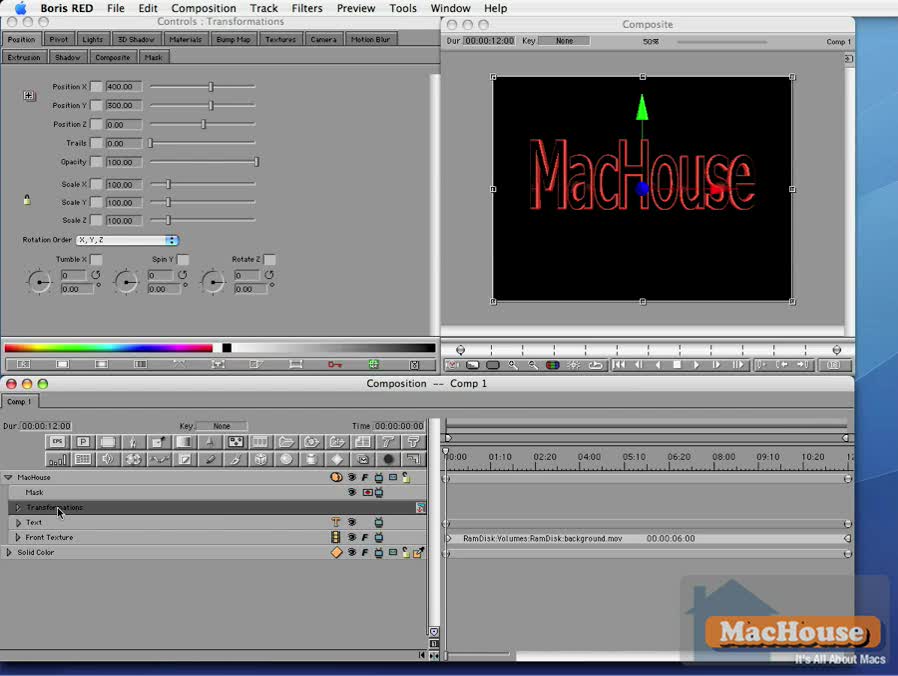
In the last tutorial, we created a text track and then embedded a travel matte in it. In this tutorial, we will apply a light filter to the text track and then use a simple form of interpolation to set keyframes.
 |
 |
 |
 |
Please read Terms of Use for Guests before watching any of the video tutorials.
Boris RED 4 is a product of Artel Software, Inc.