

Video Tutorial: Making Desktop Video with ScreenFlow – 05: Transition Effect
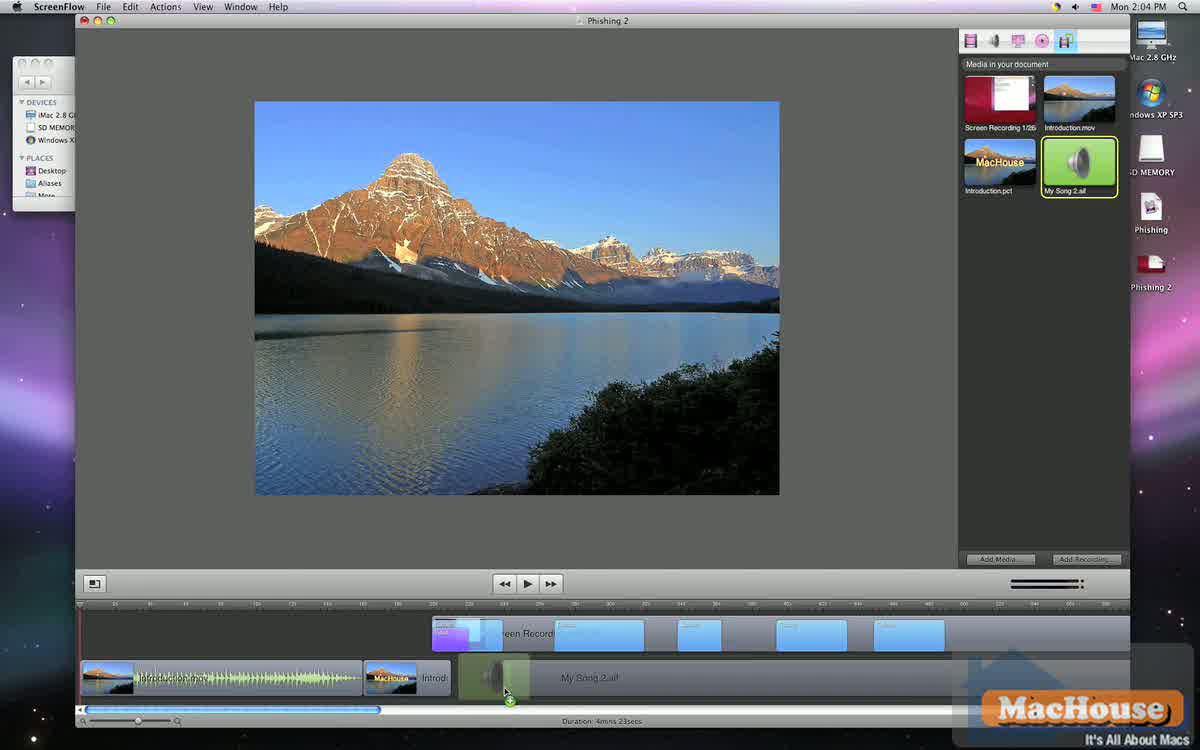
Let’s see what we have done so far. We recorded a desktop movie based on an existing PayPal phishing website. We then placed several Callout objects. In this video tutorial, we have three objectives.
Adding an introduction movie
Creating a custom transition effect
Adding an audio clip
ScreenFlow allows users to import video clips. That’s nice. But ScreenFlow doesn’t come with transition effects that are used to connect two separate videos. So we want to create a simple transition effect between an introduction movie and the recorded desktop video.
 |
 |
 |
 |
· Please read Terms of Use for Guests before watching any of the video tutorials.
· Click here for video membership information.
ScreenFlow is a product of Telestream, Inc.
Related articles:
Video Tutorial: Making Desktop Video with ScreenFlow – 04
Video Tutorial: Making Desktop Video with ScreenFlow – 03
Video Tutorial: Making Desktop Video with ScreenFlow – 02
Video Tutorial: Making Desktop Video with ScreenFlow – 01
Mac Software Review: ScreenFlow 1.2.1
PayPal Phishing Website Hosted by Chinese University