
Garageband Basics for Music Dummies #4: Editing, Effects, Noise Reduction
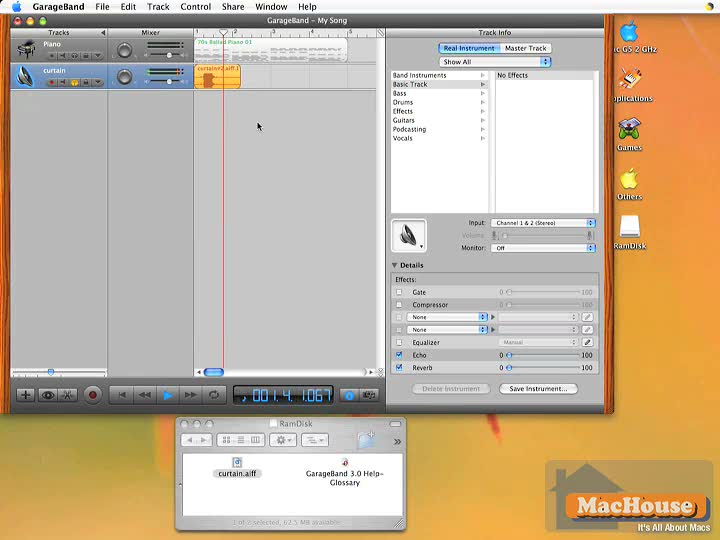
This video tutorial for Apple’s GarageBand 3 concentrates on editing and modifying audio loops. GarageBand supports many audio effects, and we explain several of them. As an example, we show how to reduce background noise.
Keywords: track info, software instruments, effects, compressor, echo, reverb, gate, background noise, noise reduction, split, track volume, key frames, track editor, graphic view, notation view, transpose, octave, pitch

 |
 |
Please read Terms of Use for Guests before watching any of the video tutorials.