

Mac OS X Tiger Video Tutorial for Newbies #11: Dashboard Widgets
This new series is intended for Mac OS beginners who have just started using Mac OS or transferred from Windows operating system. These video tutorials cover basic functions of Mac OS X in general. And all the video tutorials in this series will be delivered with a resolution of 1080 x 675 pixels.
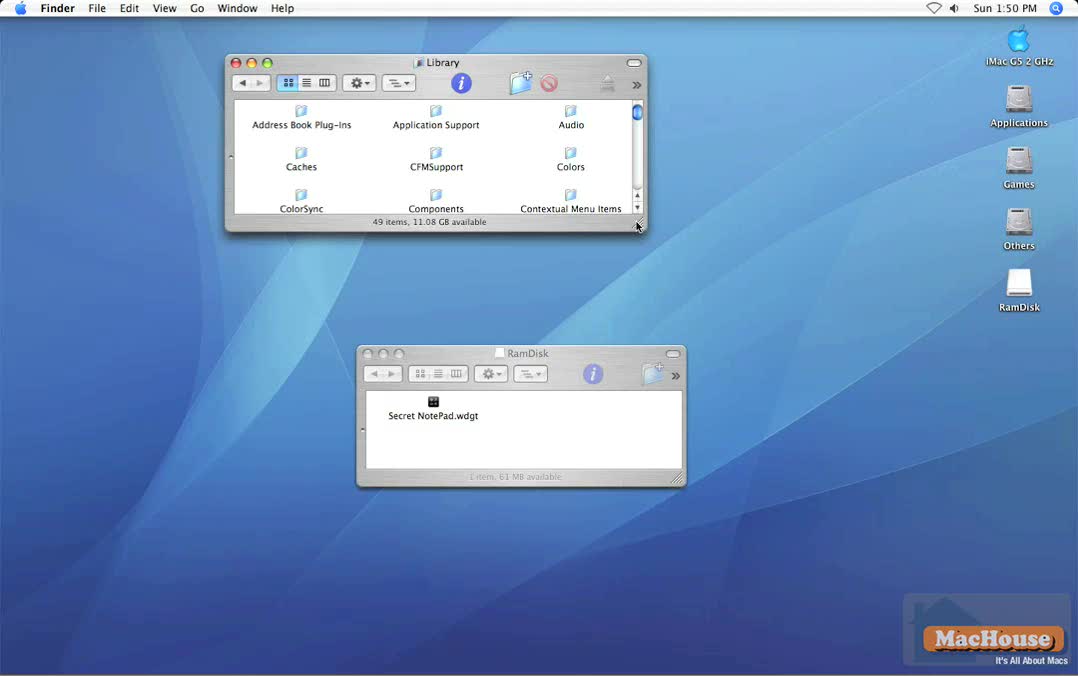
In this 11th video tutorial of the OS X video series, we exclusively talk about Dashboard widgets, where to download and how to install them.
 |
 |
 |
 |
Please read Terms of Use for Guests before watching any of the video tutorials.
Mac OS X Tiger is a product of Apple, Inc.