
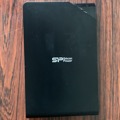
YOKOHAMA (Señor Tomato) – I have been using a Silicon Power Stream S03 USB 3.2 1TB, an external 2.5-inch external hard disk drive for probably a decade or longer. To my dismay, my Mac mini stopped reading data from this HD on the 14th of this month. I have it store all my Xcode projects and sample Xcode projects. That really hurts. Is the data all gone? I thought it was. Wait, it’s one of the twin brothers. I have another HD from Silicon Power that I purchased right at the same time. So what if I take the HD out of the dead external device and put that HD in the good guy? A major issue was how do I crack-open these external HD cases? I’ve searched the Interent, but there are no videos or tutorials.
1st step: Crack-opening the case
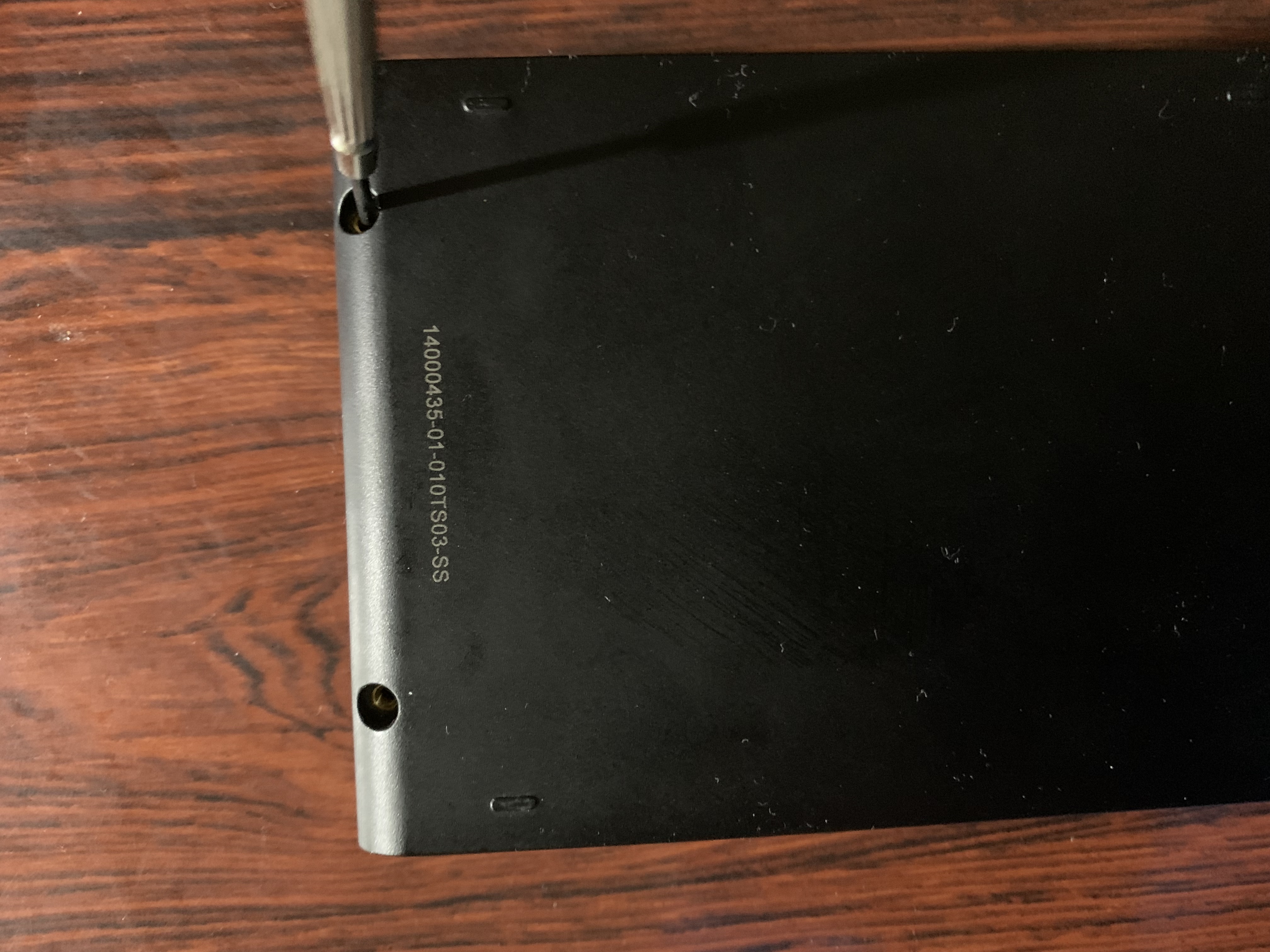
There are two small tiny screws that put the top and the bottom cases together. Obviously, I need to take these screws out. That’s an easy part.
Señor Tomato
|
Señor Tomato
|
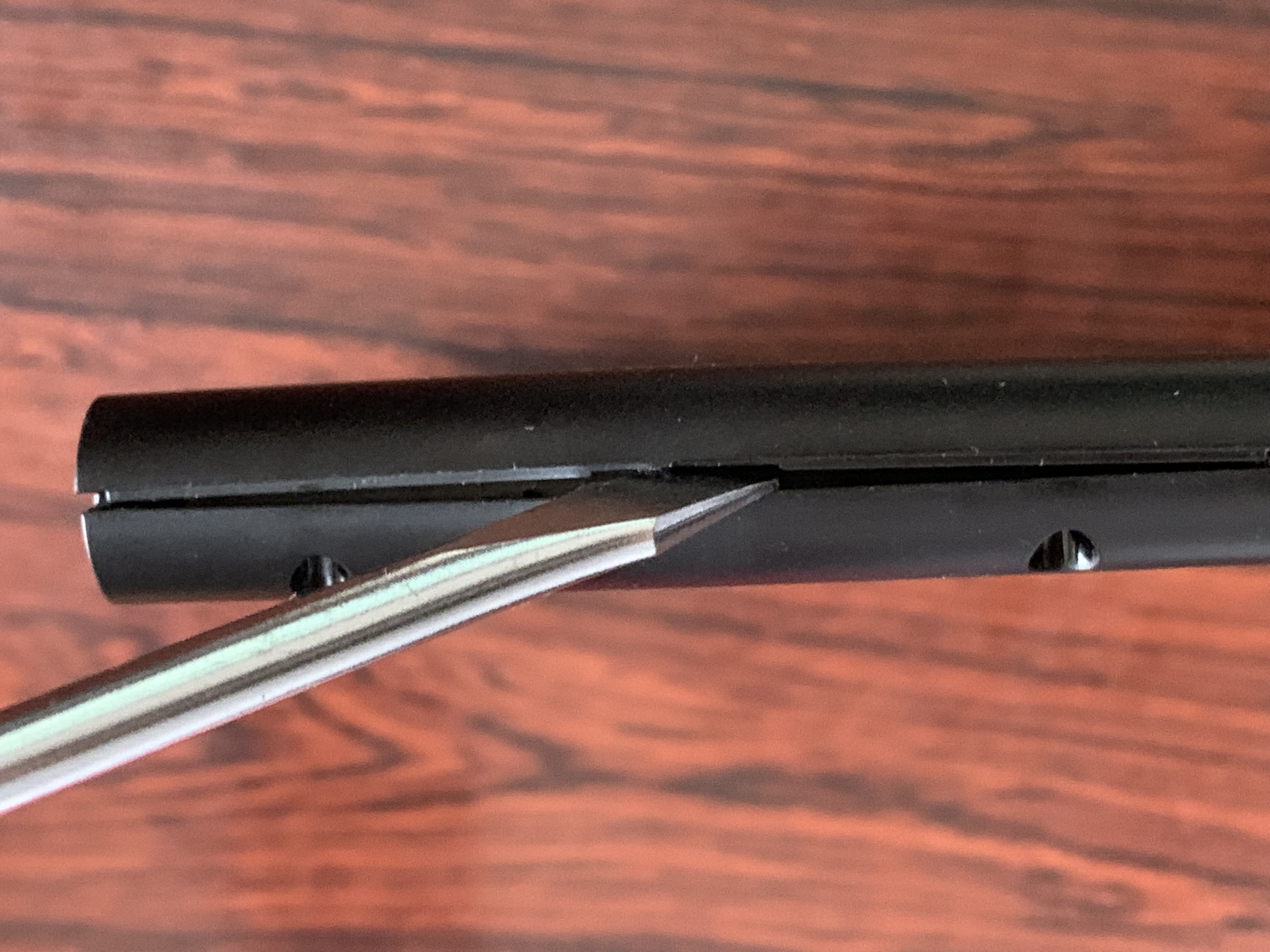
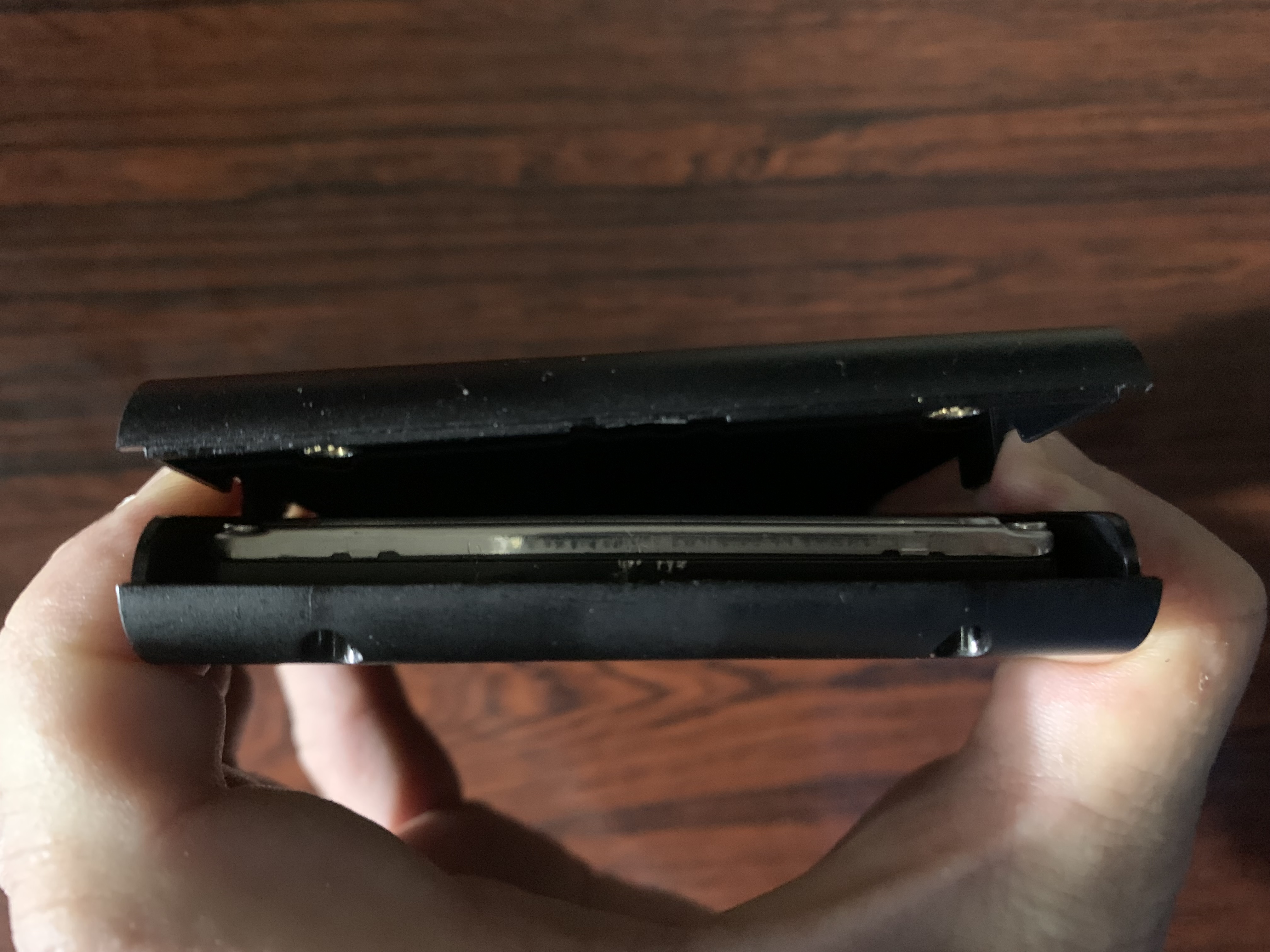
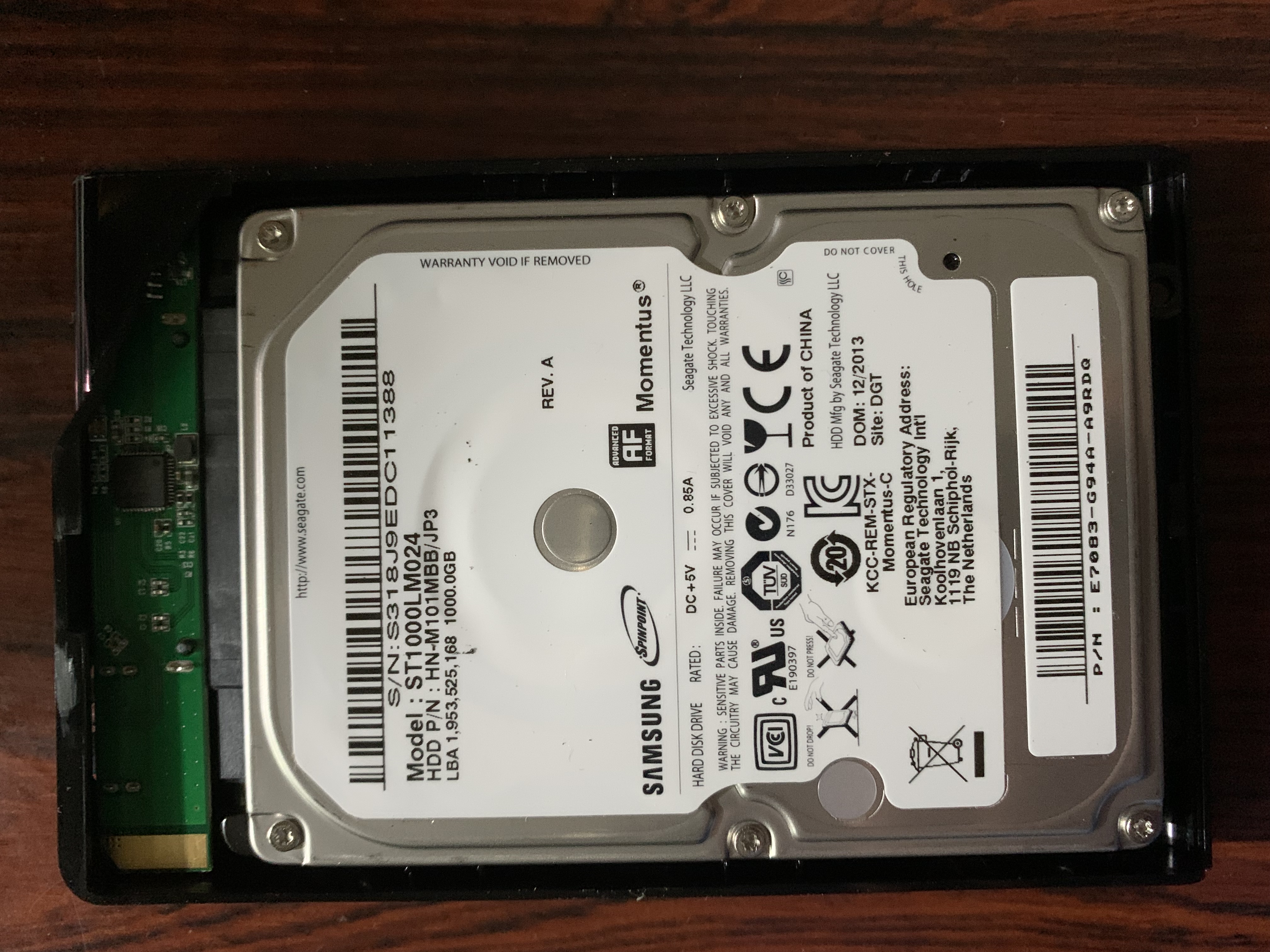
The most puzzling part is how to split these parts without breaking the HD inside. I am willing to crack the case if I can take the HD out of the dead device. Out of desperation, I’ve put a flathead screw driver at the top space (opposite of the USB3 connector). And I’ve pushed it harder. Whoa… The screw driver goes further deep between them. I’ve moved the screw driver around the case. And I’ve successfully split the top part and the bottom part apart.
Señor Tomato
|
Señor Tomato
|
So here it is. I can see the HD inside right in front of me after I removed the top part.
2nd step: Removing the HD from the bottom case
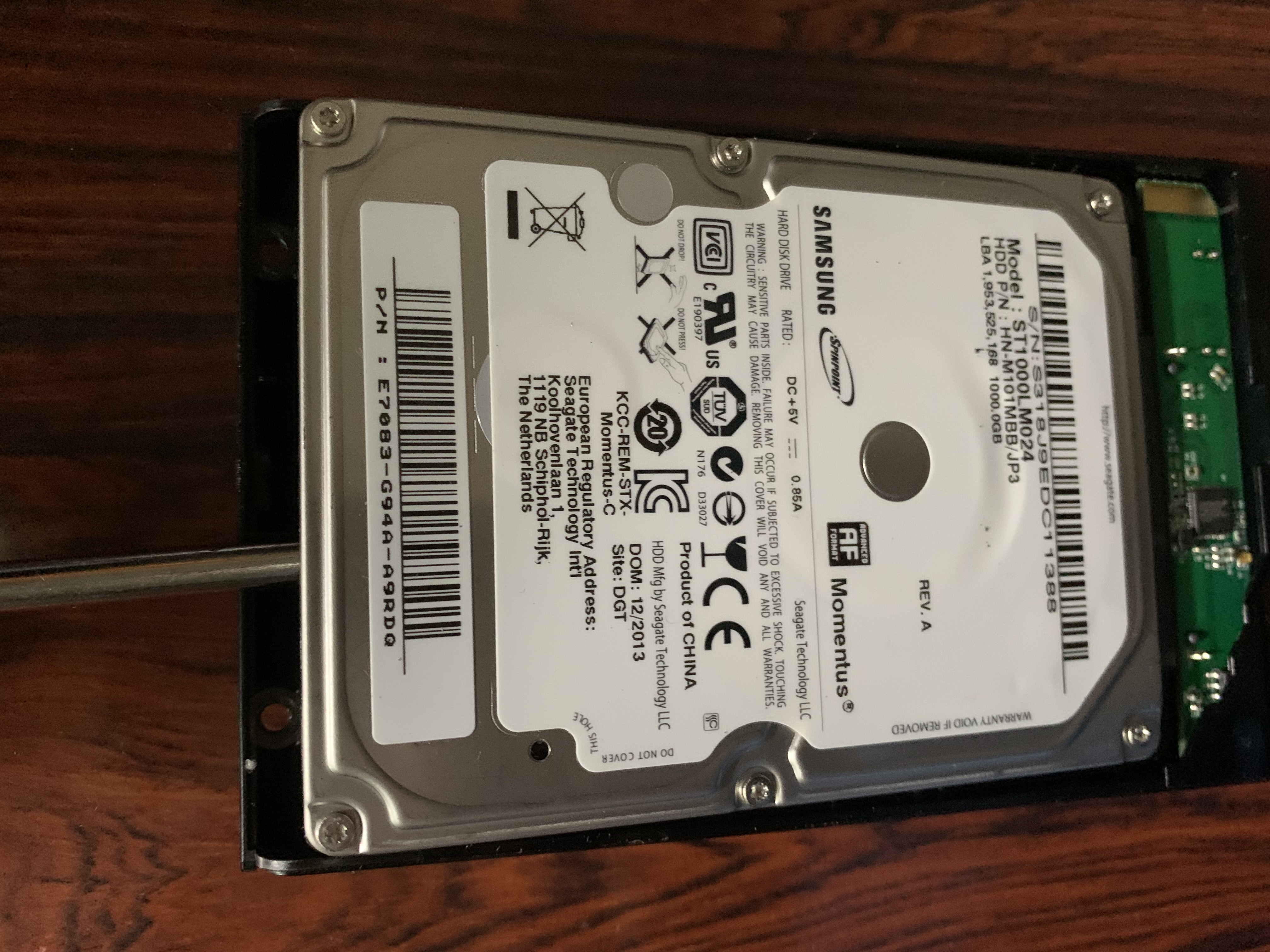
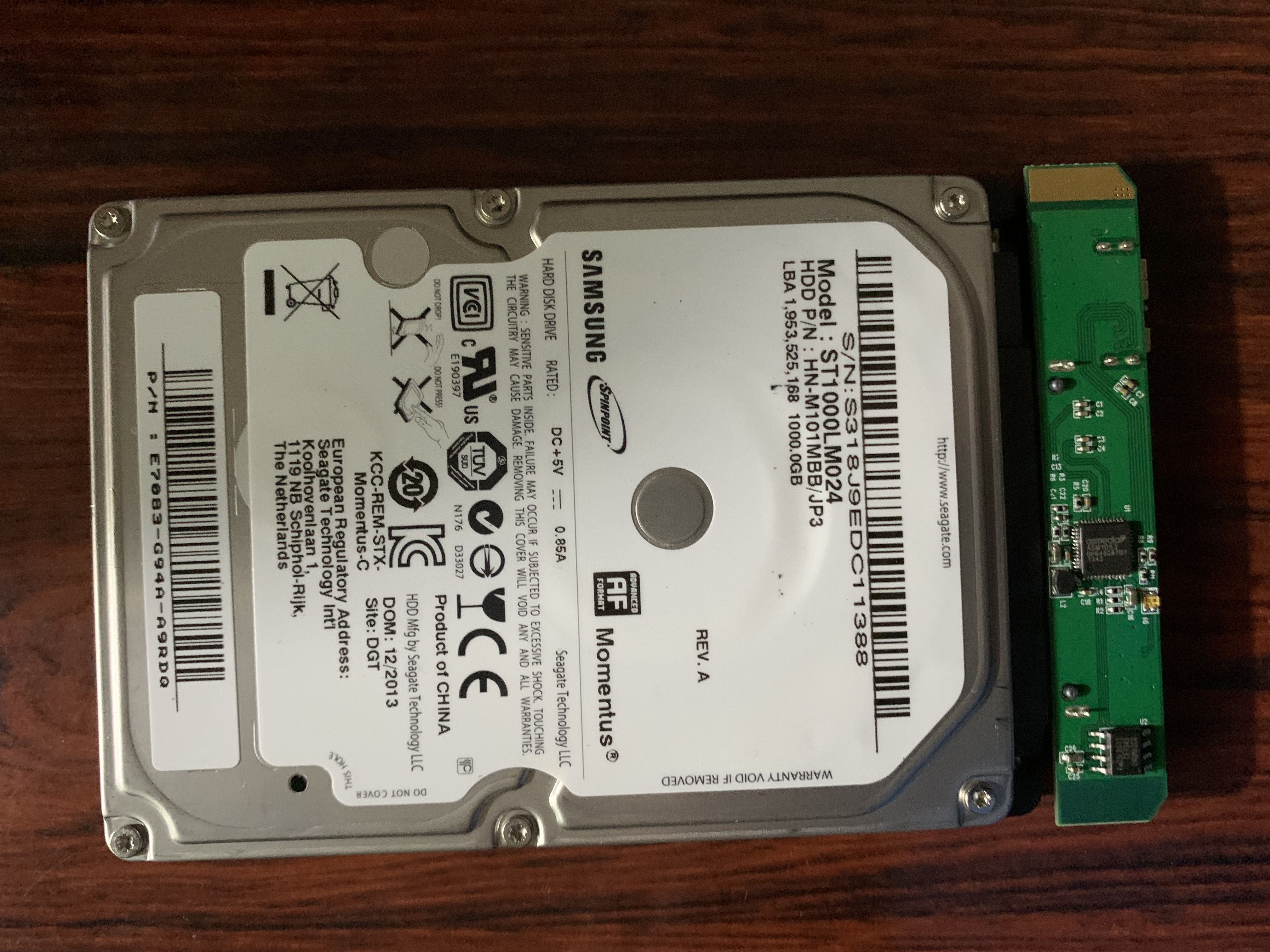
Now, how do I remove the HD from the bottom case? Do I need a torx driver to loosen up tiny screws around the HD? I have torx drivers in several sizes. But none of them matches the screws. Again, out of desperation, I’ve lifted the HD with my flathead driver. Oh, whoa, again… That’s it. Now, the HD has been removed. Whew, lucky me!
Señor Tomato
|
Señor Tomato
|
3rd step: Removing the HD
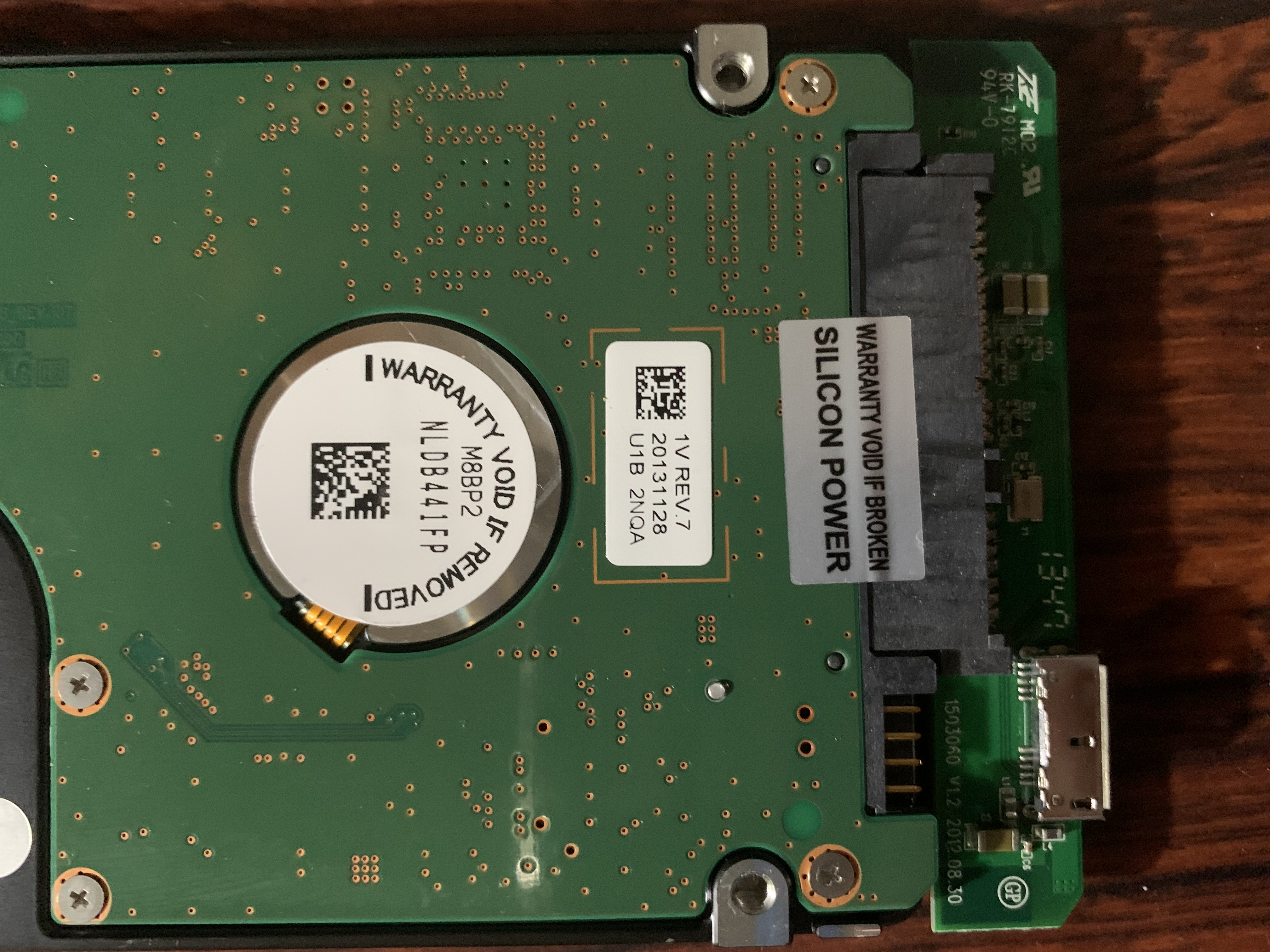
I still need to isolate the HD. So I remove the sticky seal between the HD and the cable connector. And I’m able to detach the remaining component from the HD.
Señor Tomato
|
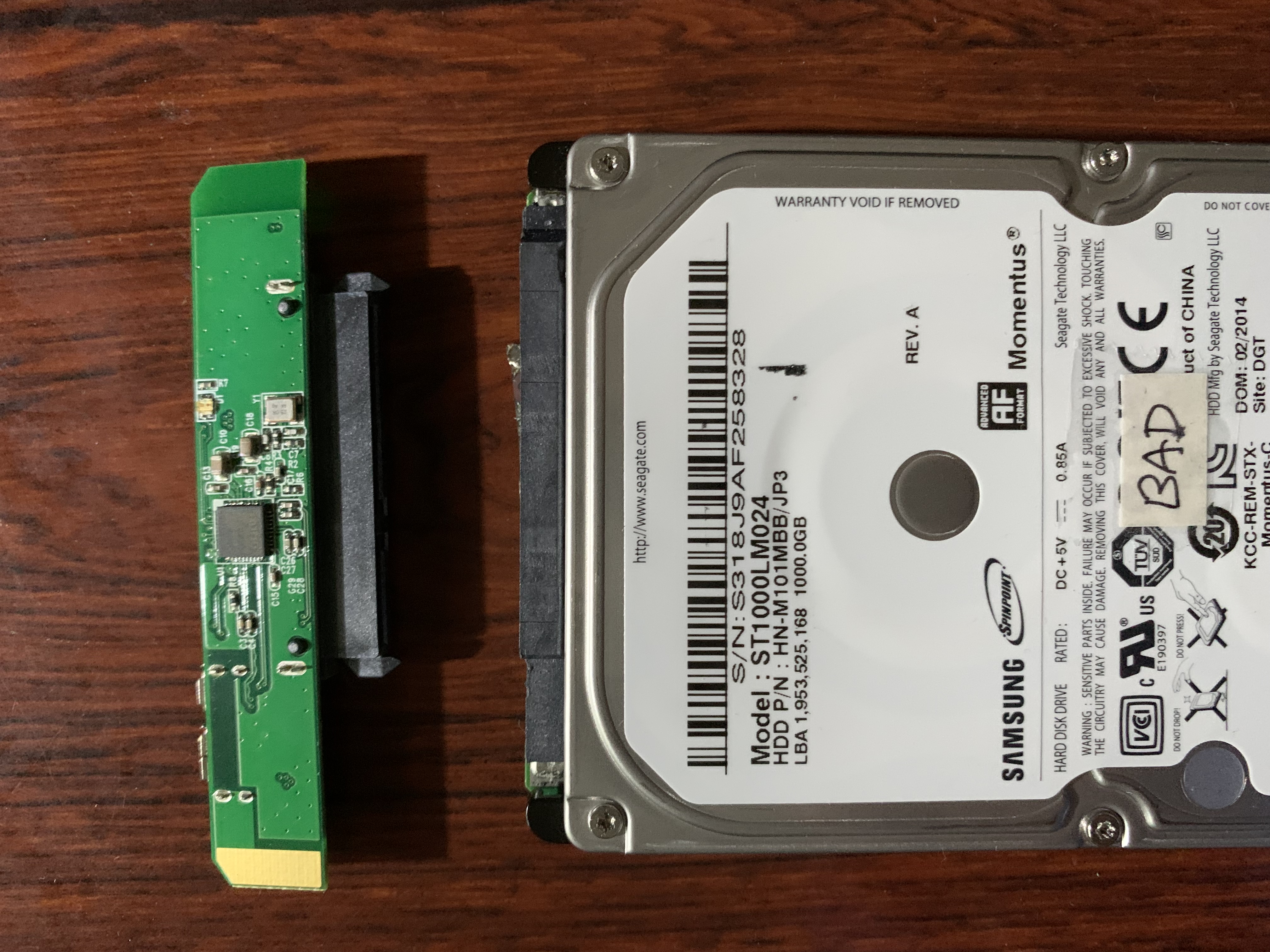
Señor Tomato
|
Eventually, I’ve managed to put the HD from the dead device in the healthy case. And I’ve managed to recover pretty much every bit of data from the 1st HD through a 2019 27-inch iMac although the data transfer process was terribly slow. But I can’t complain because the precious data is back.