Video Tutorial: Intermediate Boris RED 4 Video Tutorial 09

Boris RED 4.1

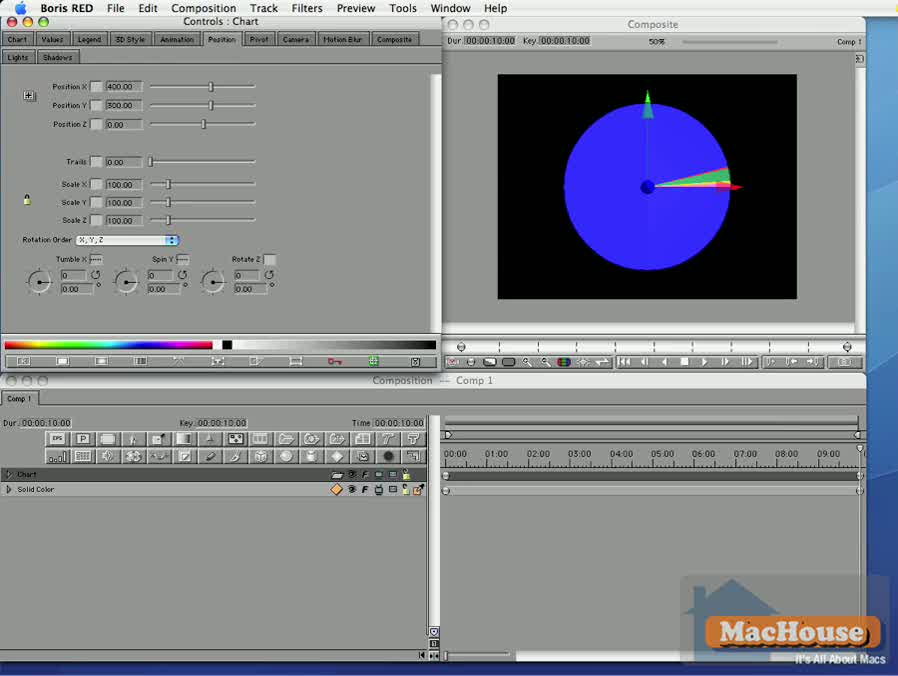
Intermediate Boris RED 4 Video Tutorial 09 – Text Around Earth 1

This video tutorial series is designed for those who have some experience in video editing/making with applications including Adobe After Effects, Apple Final Cut Pro and Motion. It was initially available only as a digital download version. Now, we are offering four remaining video tutorials to our members.
Boris RED 4.1 video tutorial Boris RED 4.1 video tutorial

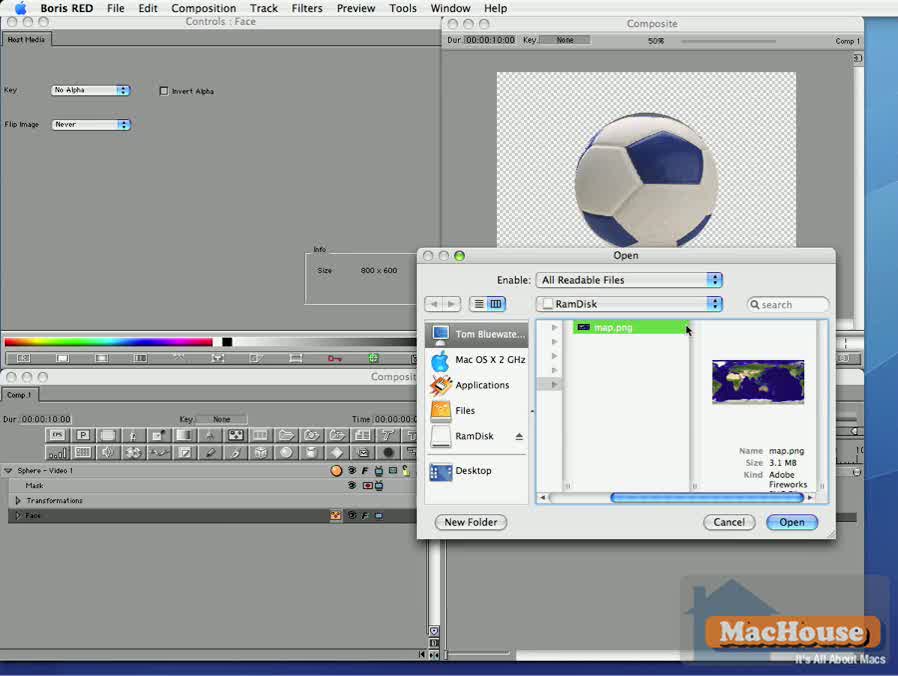
In Video tutorial 09 and 10, we are going to import a map image, which we want to project in 3D. Eventually, we want to add a text track, which will partially rotate around Earth.

Keywords: Add 3D Sphere, Still Image File, BCC Hue-Sat-Lightness, BCC Rays Textured   Continue reading →
Video Tutorial: Intermediate Boris RED 4 Video Tutorial 08

Boris RED 4.1

Intermediate Boris RED 4 Video Tutorial 08 – Dynamic Chart

This video tutorial series is designed for those who have some experience in video editing/making with applications including Adobe After Effects, Apple Final Cut Pro and Motion. It was initially available only as a digital download version. Now, we are offering four remaining video tutorials to our members.

Boris RED 4.1 video tutorial Boris RED 4.1 video tutorial

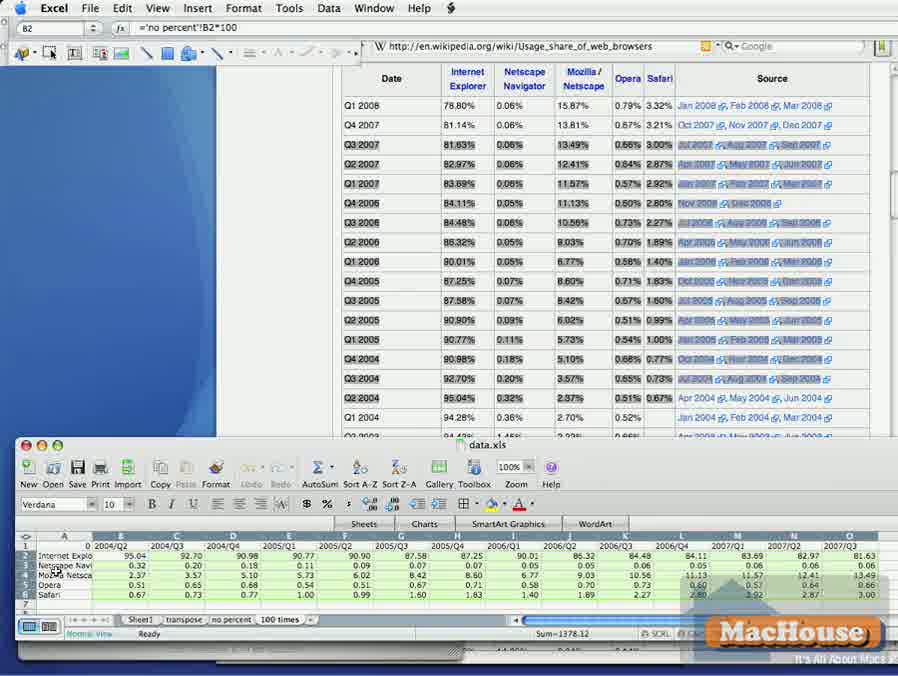
Using a dataset from an Microsoft Excel file, we are going to create a dynamic pie chart.

Keywords: Comma Separate Value, Restore Default Timeline Buttons, Add Chart, Chart Editor, Import Data, Save Changes, Series, 3D Sytle, Animation Time, Overlap Time   Continue reading →

Video Tutorial: Intermediate Boris RED 4 Video Tutorial 07

Boris RED 4.1

Intermediate Boris RED 4 Video Tutorial 07 – Clouds in the Sky

This video tutorial series is designed for those who have some experience in video editing/making with applications including Adobe After Effects, Apple Final Cut Pro and Motion. It was initially available only as a digital download version. Now, we are offering four remaining video tutorials to our members.

Boris RED 4.1 video tutorial Boris RED 4.1 video tutorial

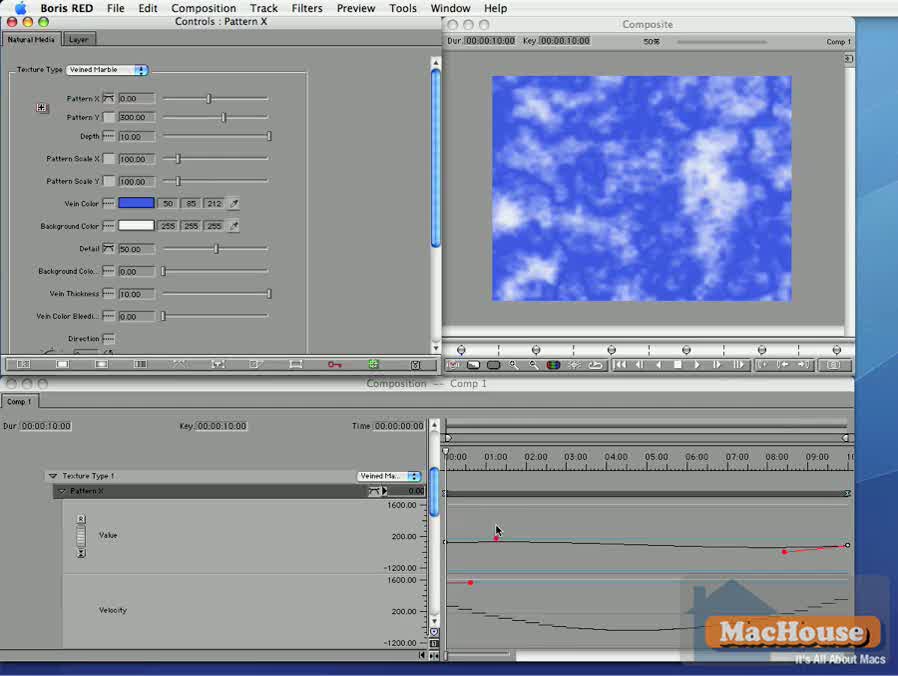
In this project, we use a different media to create a track with clouds in the sky.

Keywords: Natural, Show Style Palette, Detail, Vein Color   Continue reading →

Final Cut Pro Export Error: Why it Occurs

Final Cut Pro

We sometimes export several Final Cut Pro projects on a single day. When we are not careful enough, we see an export error as shown in Screenshot 01. Once, we saw this error message after waiting for Final Cut Pro for 7 to 8 hours to finish compressing a video. That really hurt our schedule.

Apple Final Cut Pro export error
Screenshot 01
Apple Final Cut Pro export error
Screenshot 02

A few months ago, I saw a post at Apple Support Discussions for Japanese users (discussions.apple.co.jp) where one said that a cause of an export error might be a wrong file destination and/or a wrong volume where project files are stored. This post seems to have been since removed. Anyway, that’s unlikely to be a direct cause. We have all Final Cut Pro projects stored on an external FireWire-powered hard disk drive. In many cases, we export QuickTime movies to this volume. We even export final QuickTime videos to a USB disk in some occasions. And we have never seen an error message caused by the file destination or storage volume.

By the way, we intentionally caused an export error shown in the screenshot. We knew the cause whenever we saw an export error.  Continue reading →

Adobe After Effects CS3 Basics #17

Adobe After Effects 8.0.1

Adobe After Effects CS3 Basics #17: Exporting Projects

We go over the export settings of After Effects to finish this tutorial series.

Keywords: Export, QuickTime Movie, Windows Media, WMV 9, H.264, Single-pass, Multi-pass, Animation, Animation, Millions of Colors, Millions of Colors+, Sound, Make Movie, Render Settings, Color Depth, Output Module   Continue reading →