
Adobe Illustrator Basics for Dummies #18: Designing a Cigarette
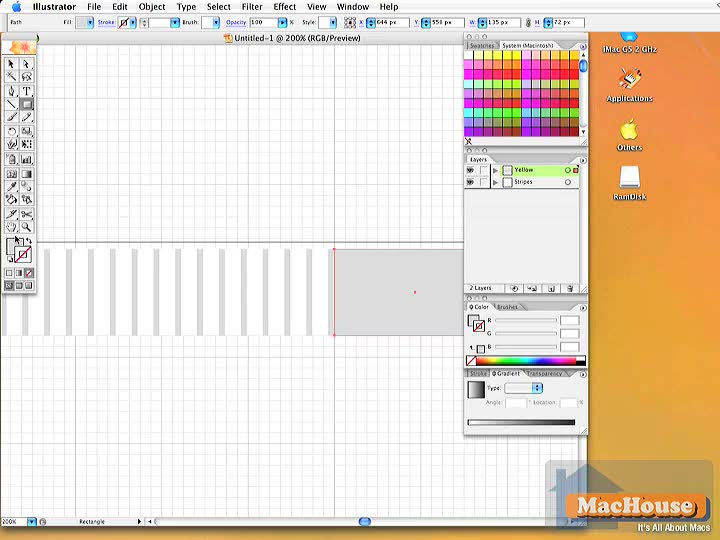

Adobe Illustrator keywords: New Brush, New Pattern Brush, Filter, Distort, Roughen, Effect, Stylize, Feather Continue reading

Adobe Illustrator Basics for Dummies #18: Designing a Cigarette
Adobe Illustrator keywords: New Brush, New Pattern Brush, Filter, Distort, Roughen, Effect, Stylize, Feather Continue reading

Image Correction with Adobe Photoshop CS2 #10: Inverting Colors
Inverting colors… Just switching black and white, right? Even when you have a color image, you can invert colors by pressing Command + I. But what does inverting colors really mean? And how do we invert colors without using the shortcut key? Continue reading
Adobe Photoshop Very Basics for Graphics Dummies #6: Mask
Masking an image is an important aspect of Adobe Photoshop. It’s like a man wearing a mask and only showing his eyes. So when you mask an image, some parts will be revealed and other parts won’t be. And the background may become transparent. Continue reading
Adobe Photoshop Very Basics for Graphics Dummies #5: Quick Mask
Okay. We now know which tool we should use to make a particular selection. Let’s move on to the next stage. This short video tutorial is concerned with Quick Mask, which is used to revise the existing selection. Continue reading
Adobe Photoshop Very Basics for Graphics Dummies #4: Selection
There are many ways by which you can make selections. Marquee, Magic Wand, Lasso: These three tools are commonly used to make selections in Photoshop. But other tools including Pen, Rectangle, Eclipse and Type can also be used to make selections. Continue reading