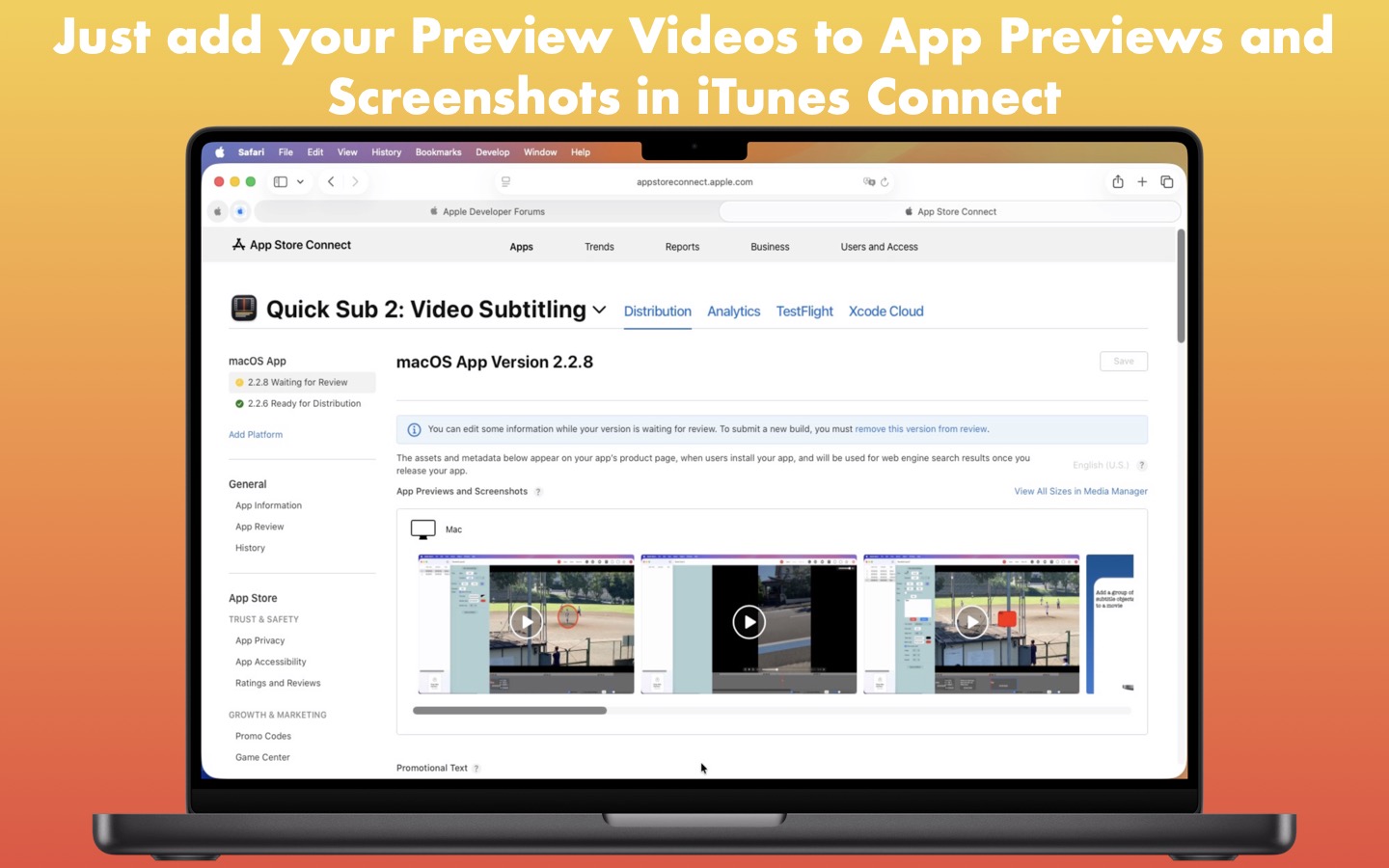
YOKOHAMA (Señor Tomato) – I don’t know when they started it, but Apple, Inc. allows us to upload a video to showcase our software. However, there are several specifications that our videos must meet. If you record a video on your iPhone or iPad while testing the app and then upload it as it is without changing anything, it won’t be accepted. To add to the insult, you will be forced to wait as long as an hour or two just to find out that they won’t accept the video you have uploaded. If you want to know why Apple, Inc makes video-showcasing software so difficult, help is on its way.
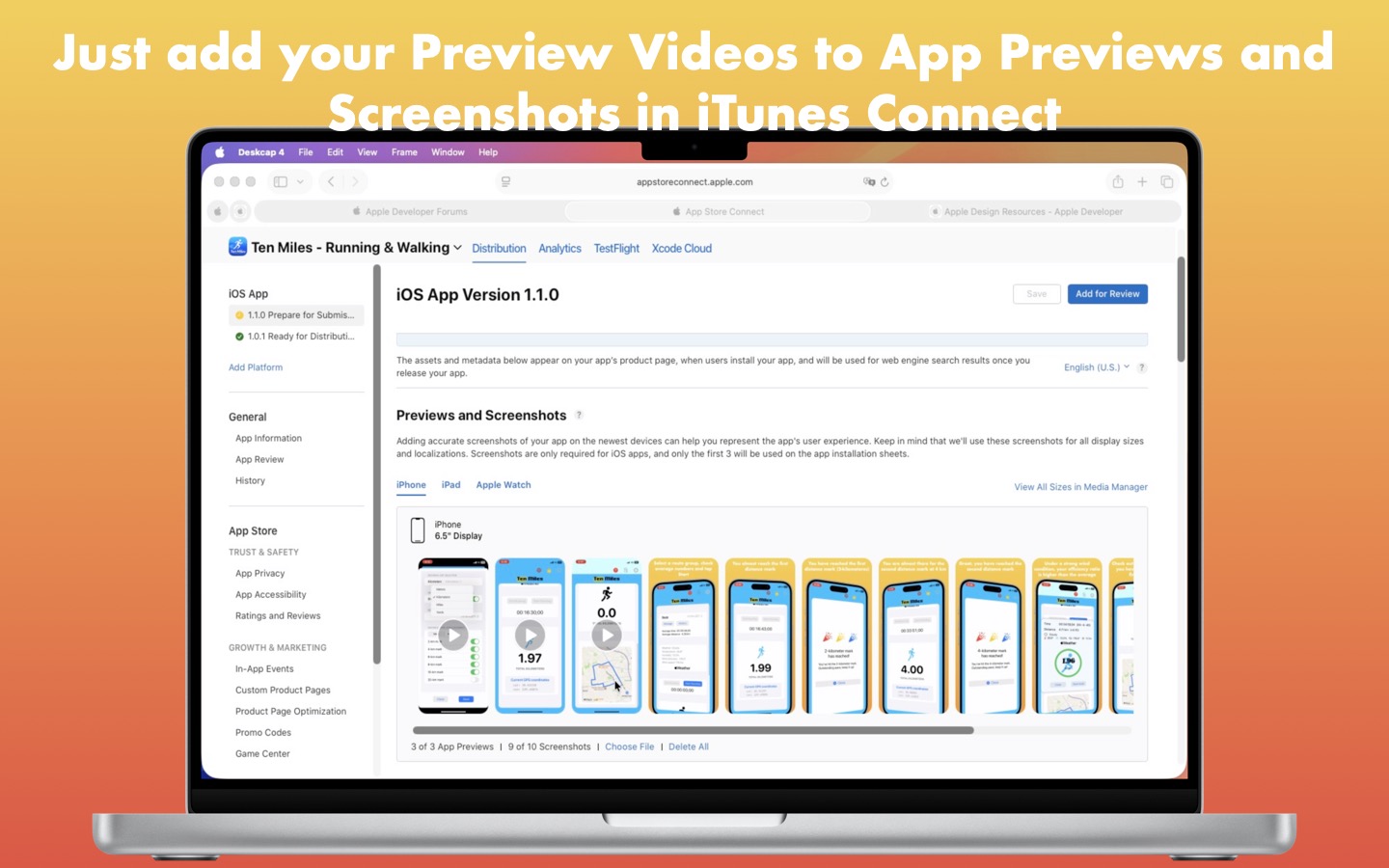
Mock Video is a desktop application for which I only spent 36 hours developing it. In fact, I am one of those who tried to upload a Preview Video at iTunes Connect back in March or April (2026) and ended up wasting my valuable time. Oh, yeah, I even took Gemini’s advice and used iMovie to create a Preview Video. But it didn’t work. So what makes me think that iTunes Connect will accept a video from this application? Just as shown in the lower row of the screenshot table below, I have been able to upload them for an iPhone app and a desktop application there successfully. And I have learned a lot of lessons while working on Quick Sub 2 and Quick Sub Mobile, which has given me a lot of confidence in developing Mock Video. At the very moment when I had the idea of developing this application, I was certain that I could do it although I never succeeded in uploading Preview Videos to iTunes Connect earlier.
Señor Tomato
|
|
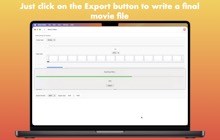
Señor Tomato
|
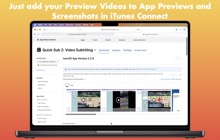
Señor Tomato
|
|
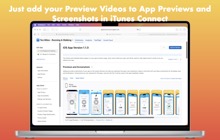
Señor Tomato
|
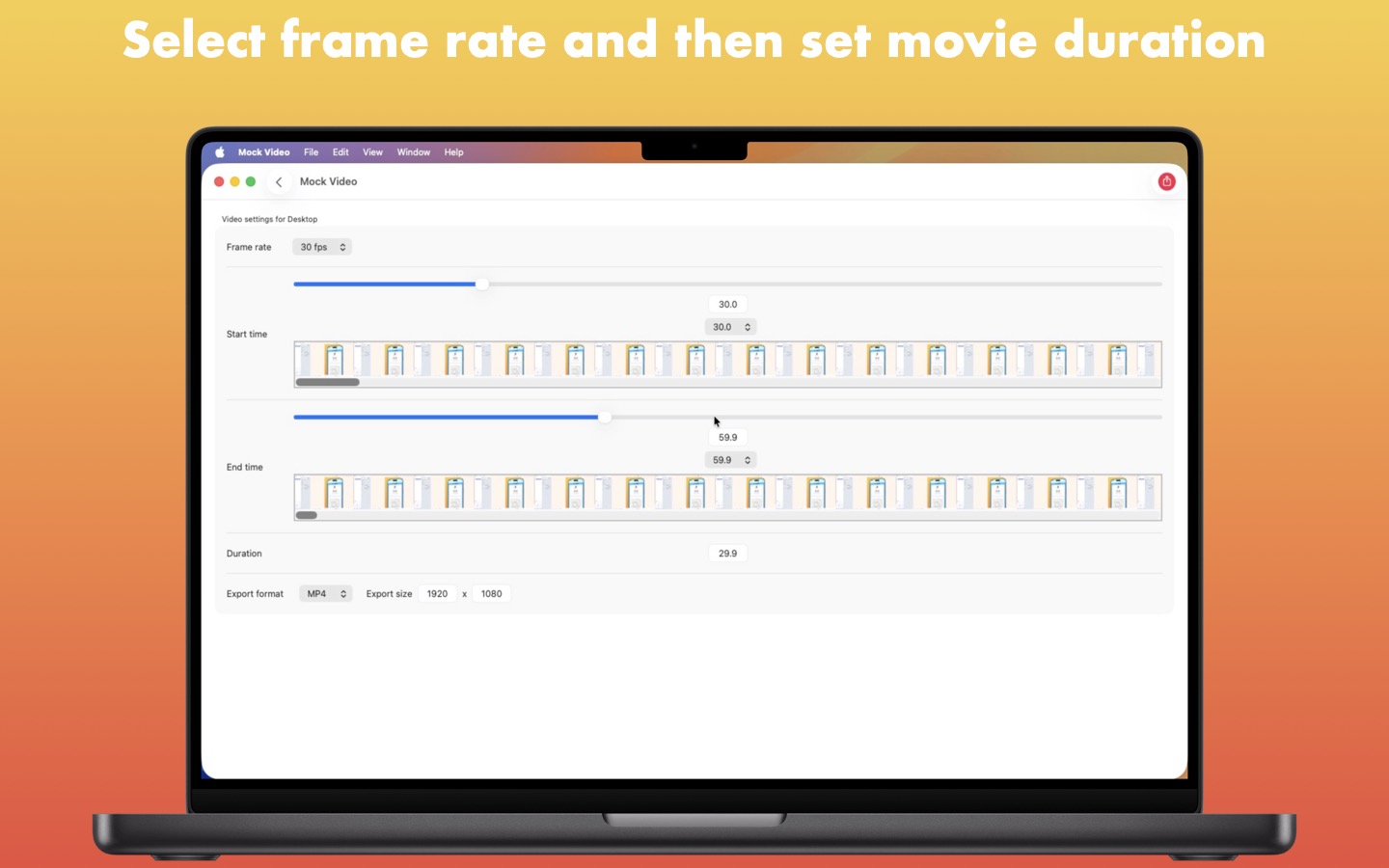
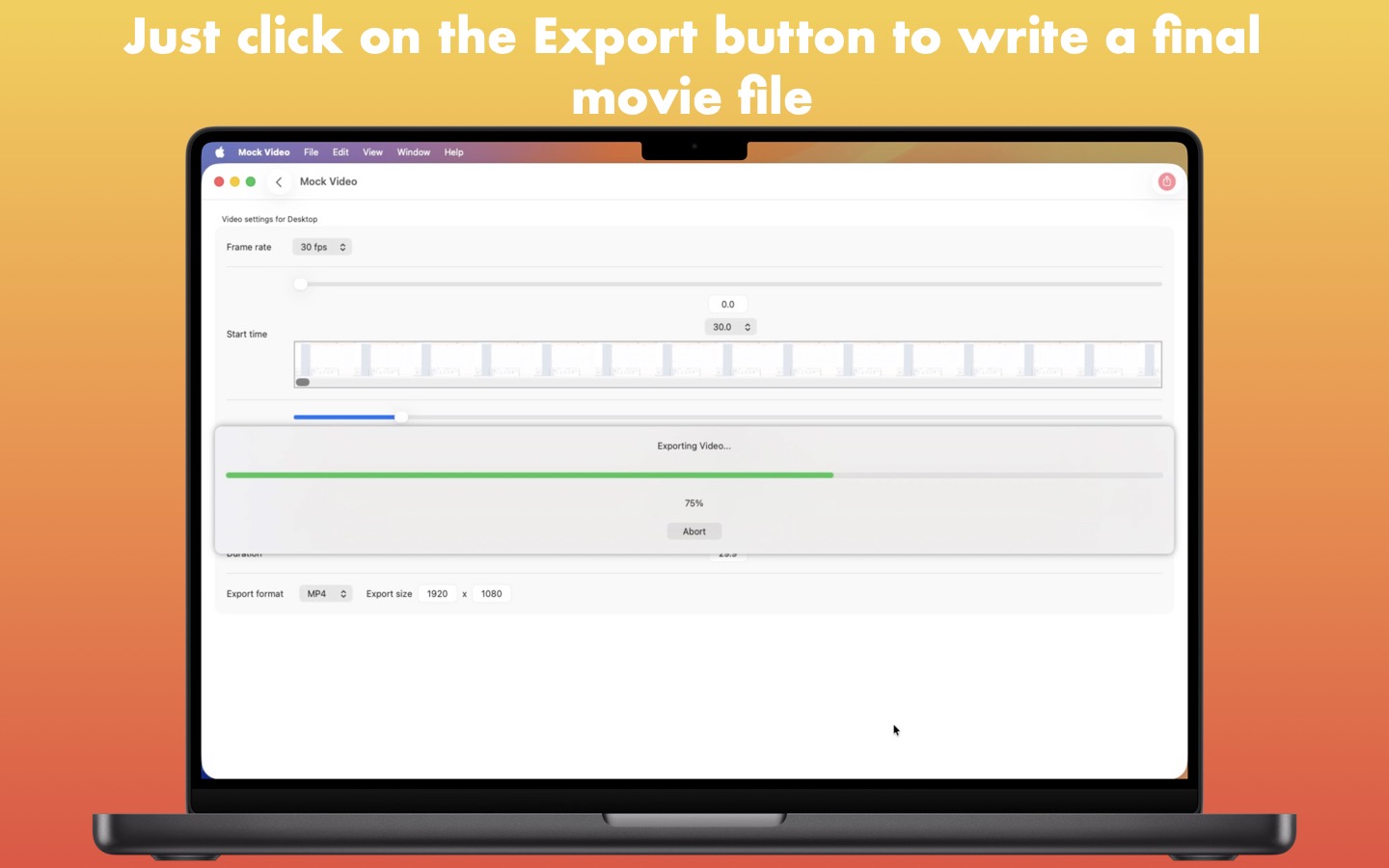
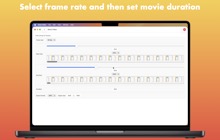
Mock Video alleviates the cumbersome task of making your recorded video comply with Apple’s Preview Video specifications. All you have to do is drag and drop a video into the drop box, adjust the final duration, and then click on the Export toolbar button. Mock Video does an excellent job of exporting your final videos without distorting the original content while meeting the size specifications.
Mock Video doesn’t just support mobile phone models but all devices, including all tablet models, desktops, the TV device, and the Vision device. Moreover, you have the option of selecting the Portrait or Landscape orientation. Continue reading →