

As the name suggests, this software gives the user access to a lot of clip art photos stored in 7 CDs. We’ve been using it for the past 3 years or so. We love it. But… We had a problem with it till several months ago. How do you have a transparent background layer? We couldn’t figure it out until something that I did without paying attention turned out to be right.
 Screenshot 01 |
 Screenshot 02 |
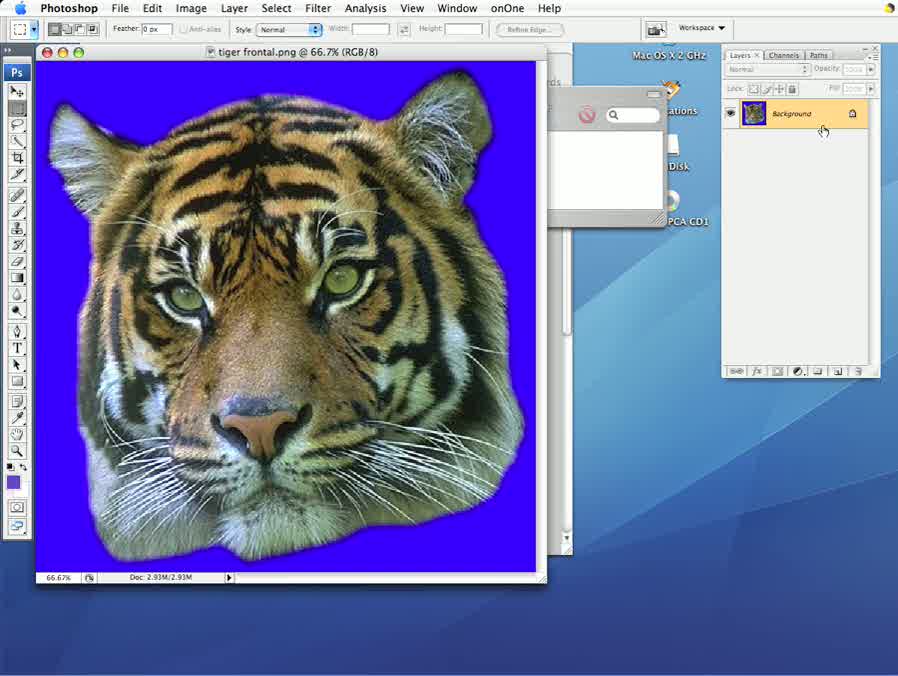 Screenshot 03 |
Using Export Assistant, it looks like all you have to do is to choose ‘EXPORT the image to a popular format’ (See Screenshot 01.), choosing a resolution, choosing a background color, choosing a graphic format and then saving the file. As shown in Screenshot 02-3, I always ended up not having an alpha layer. But you CAN have a transparent background even after selecting a background color. So let’s see how to do it. Continue reading